
Your AI agents handle QA. You stay in control.
Connect your AI agents through MCP or the API to create tests, run checks and log defects. Review every result in one clear workspace.
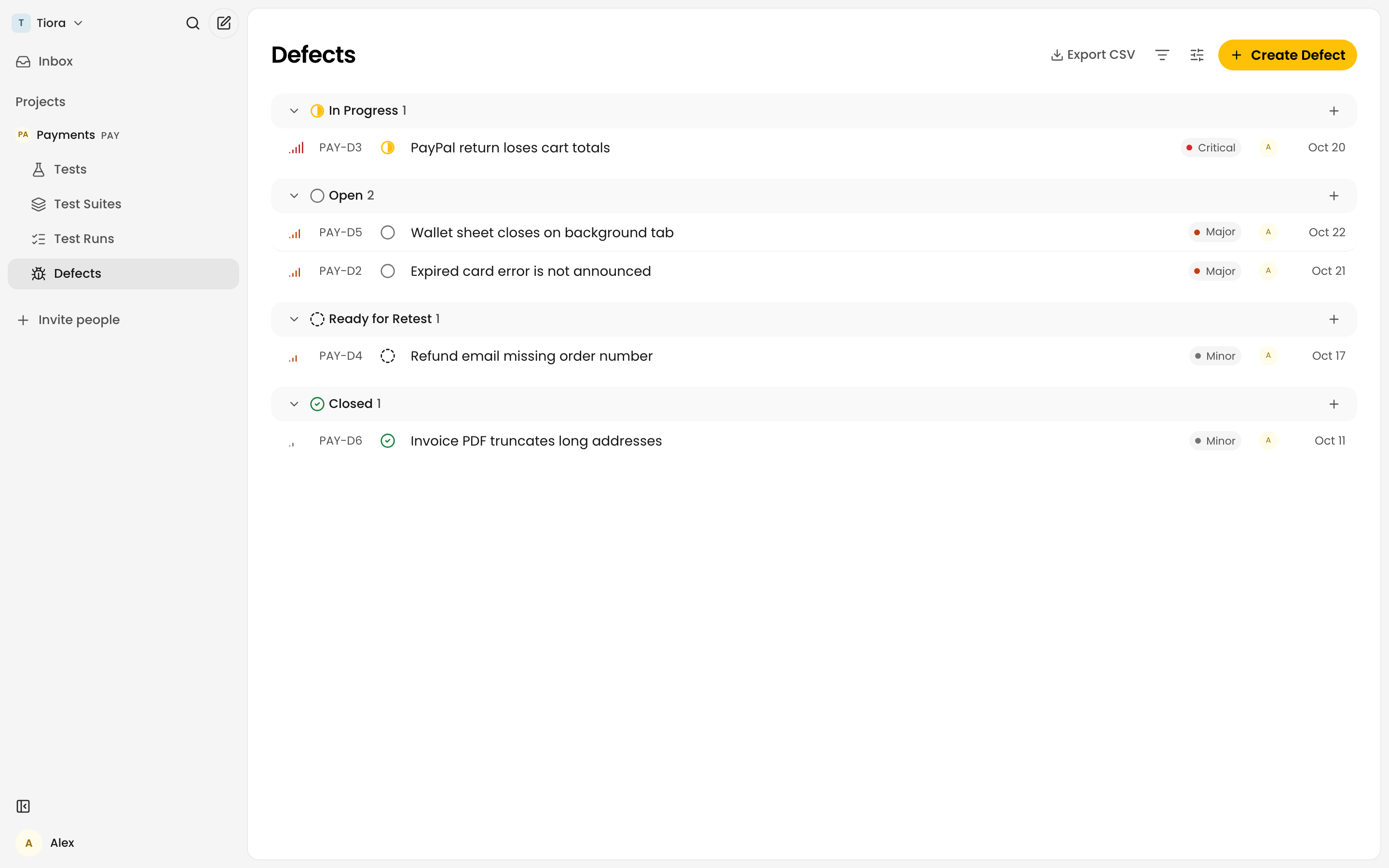
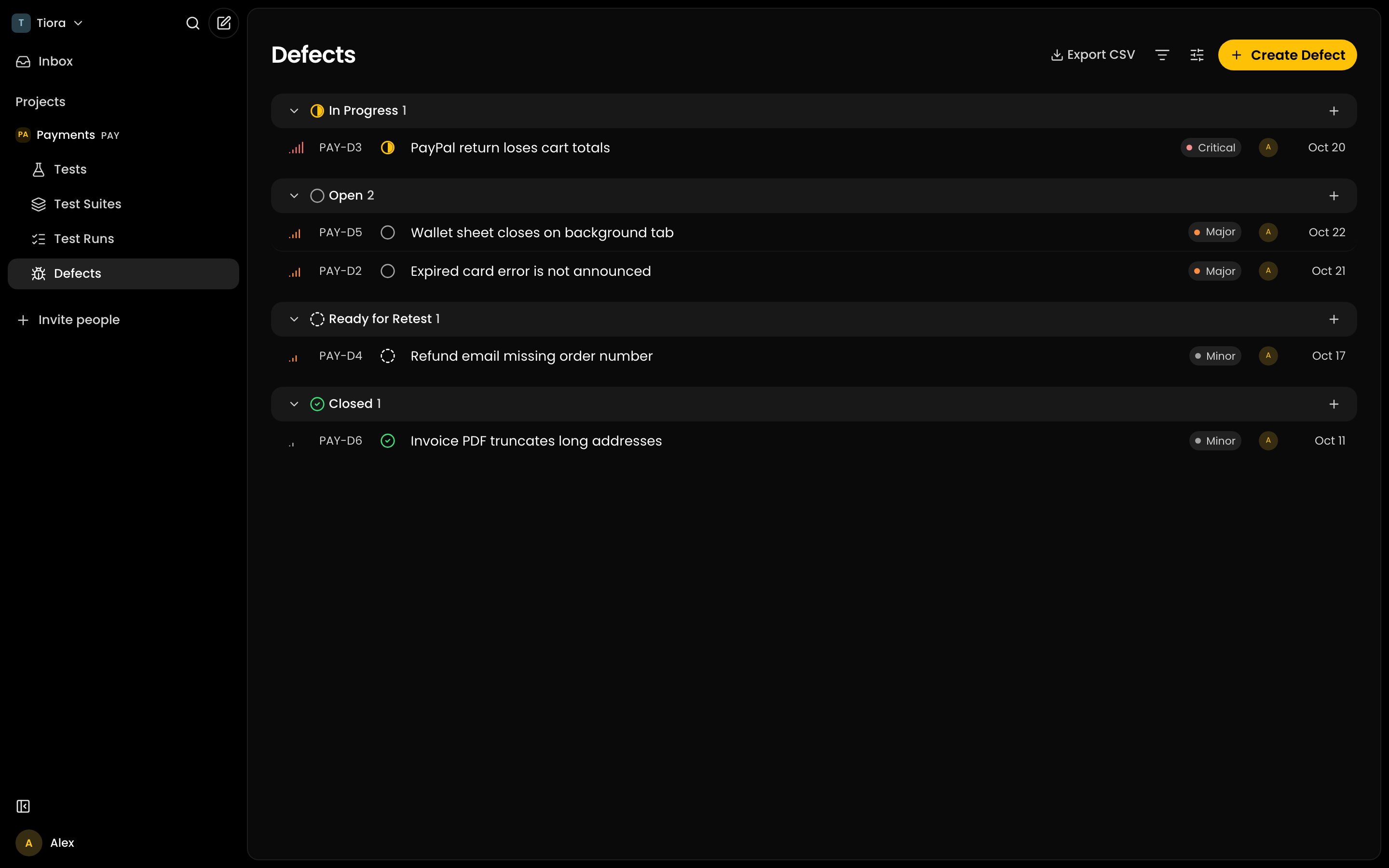
Tests, runs and defects
Agents do the QA work. Your team manages the record.
Connect agents through MCP or the API to create tests, run checks and log defects. Track progress and results in Tiora.
- 01
Have agents write your test cases
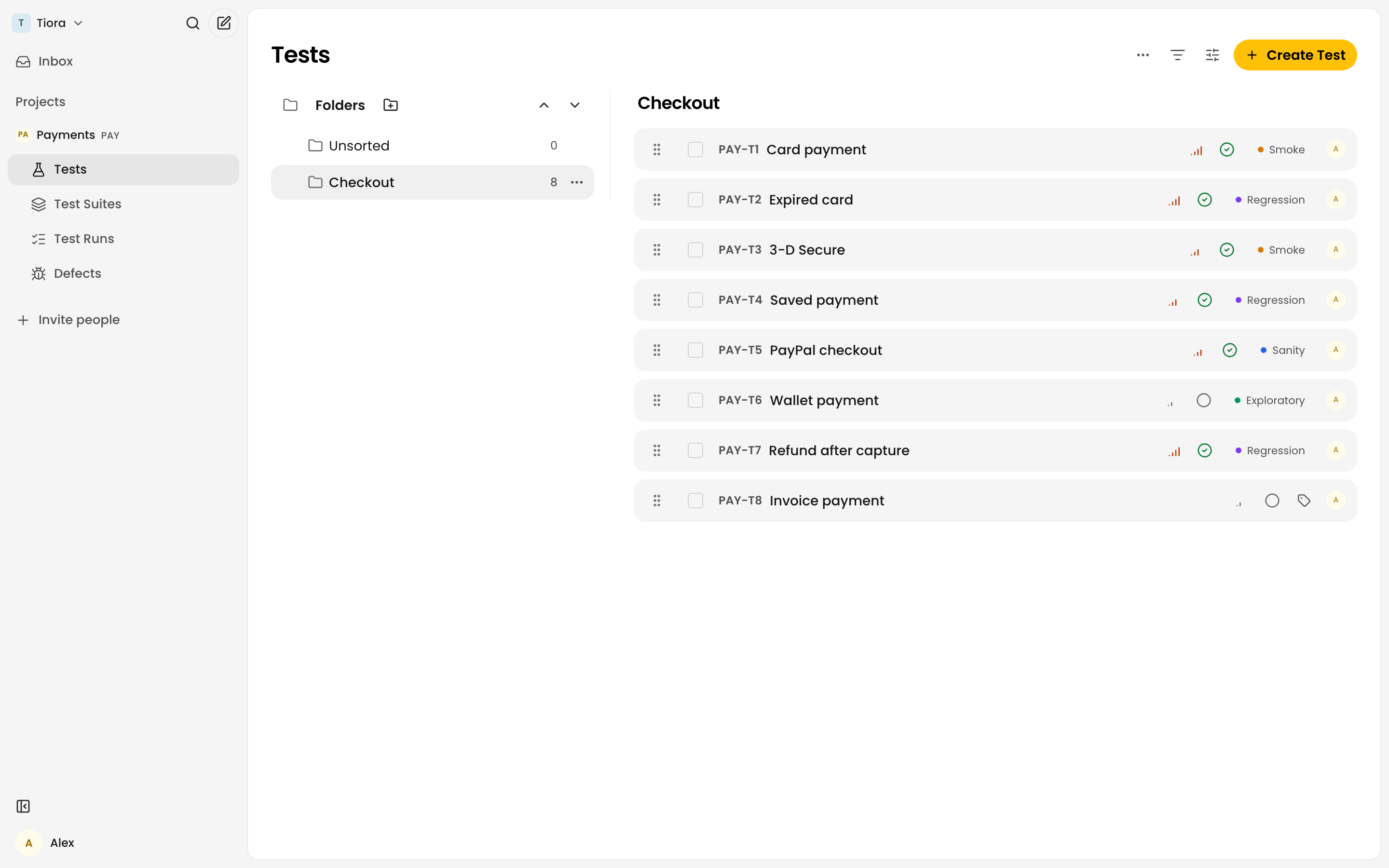
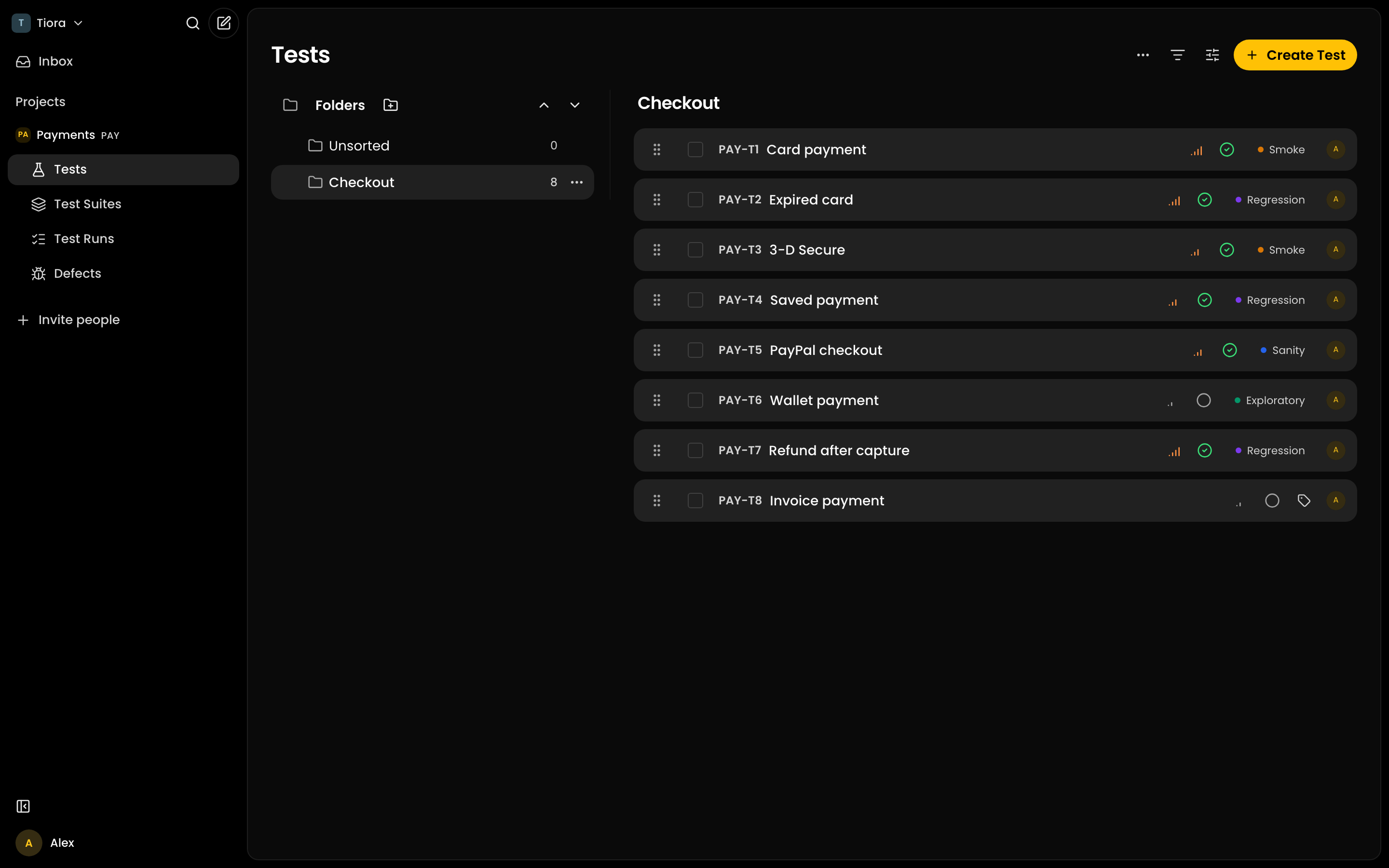
Ask a connected agent to turn your requirements or code into reusable cases. Review and organize the generated tests in Tiora or import existing coverage from CSV.
- 02
Let agents execute checks and log results
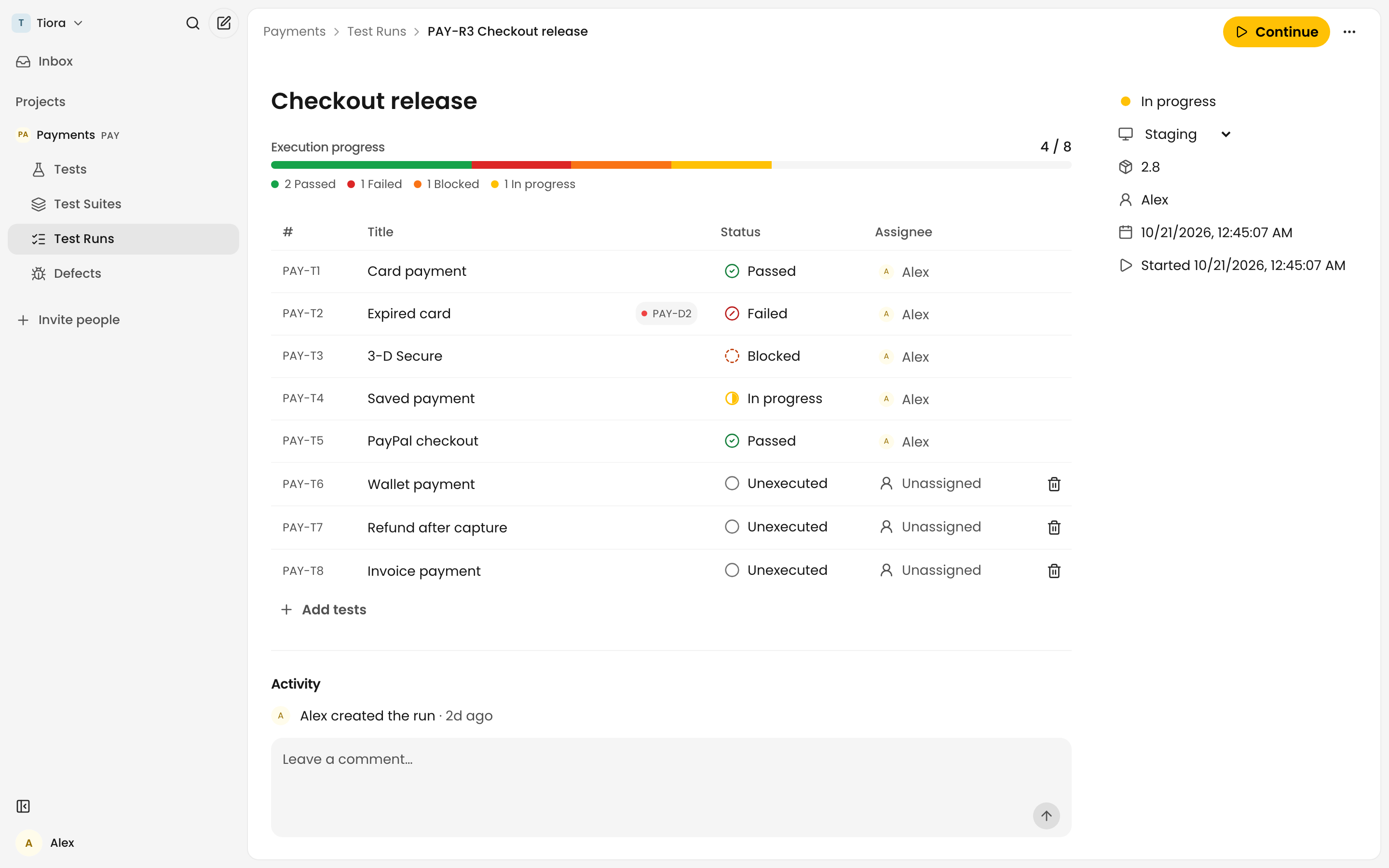
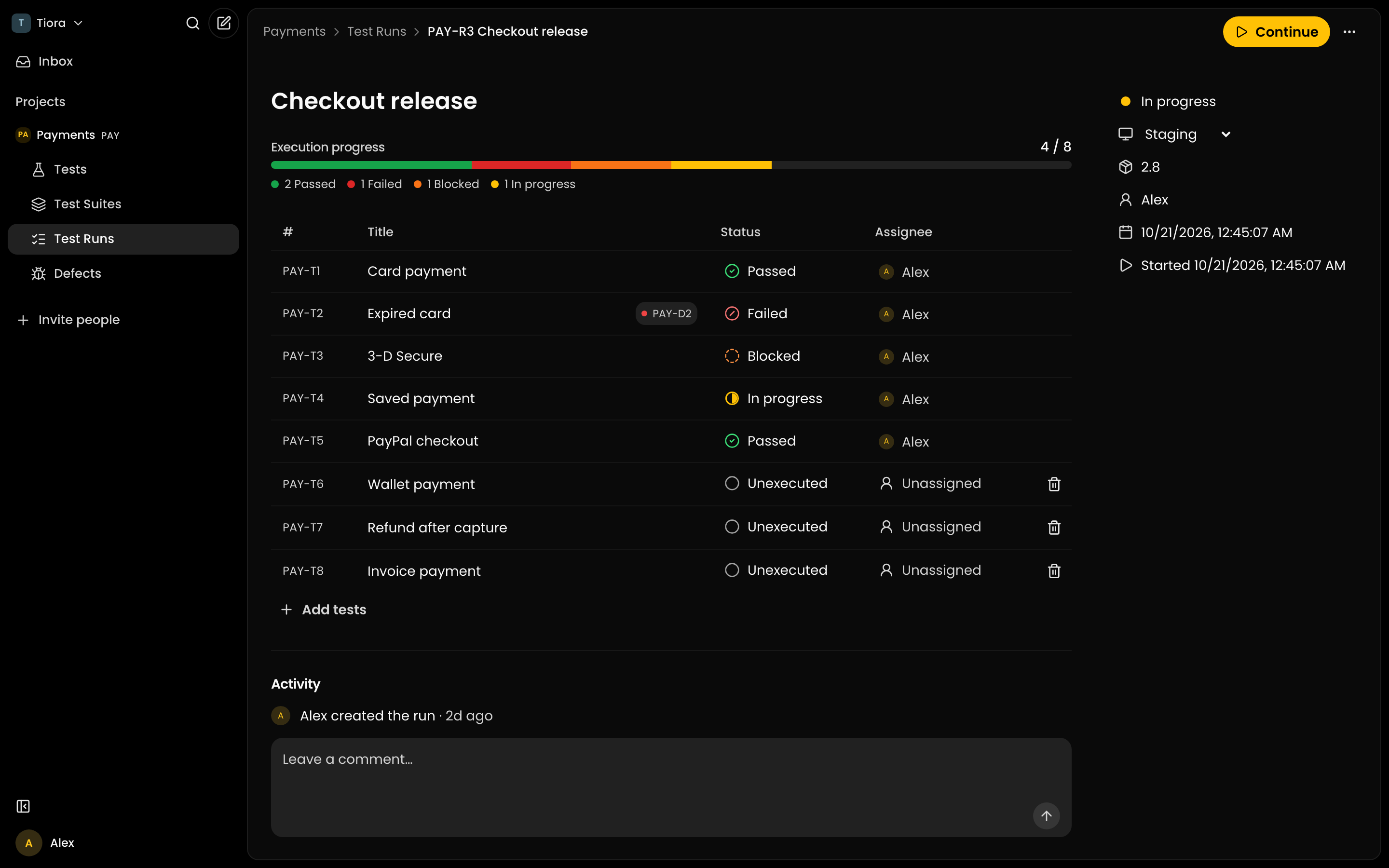
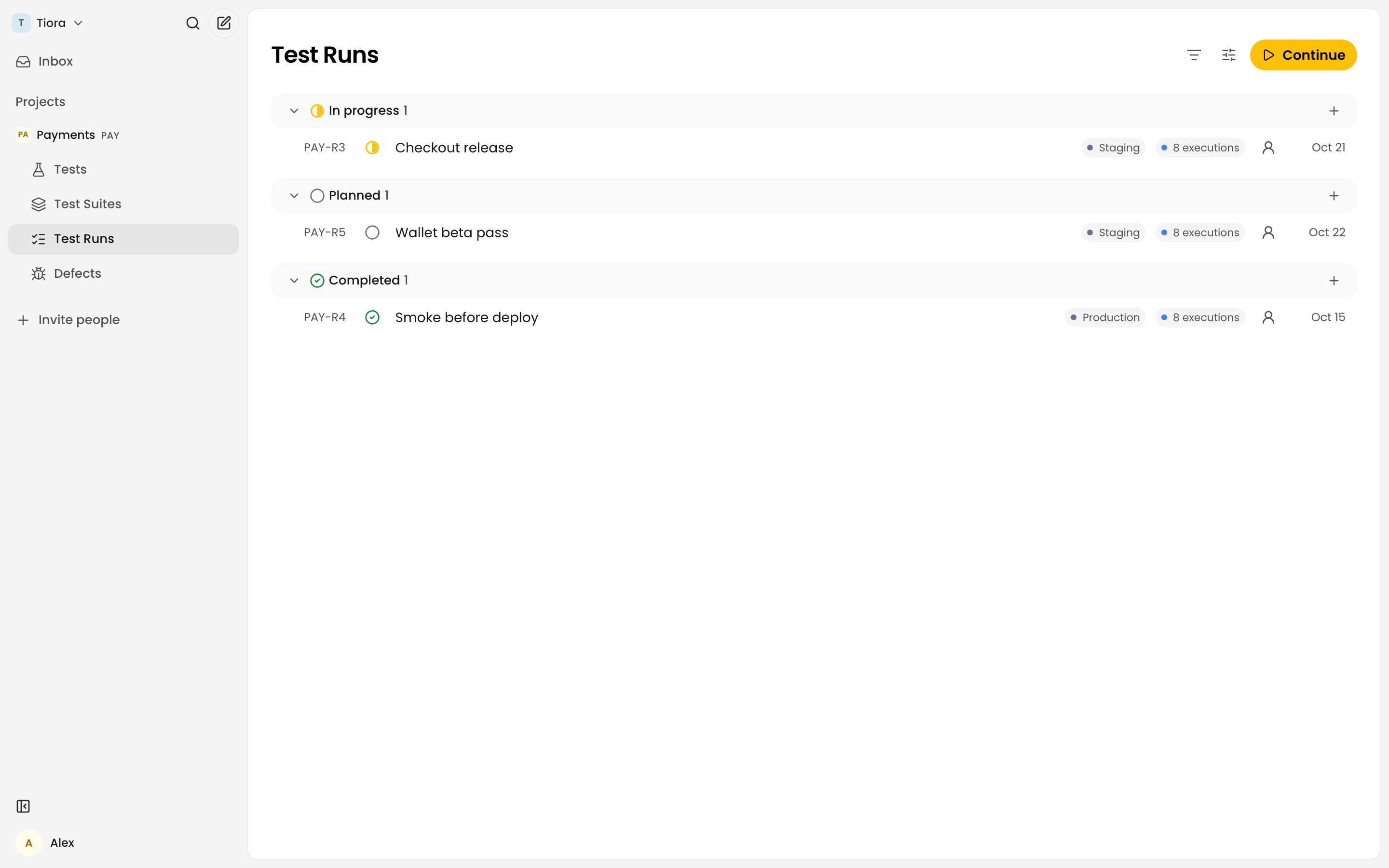
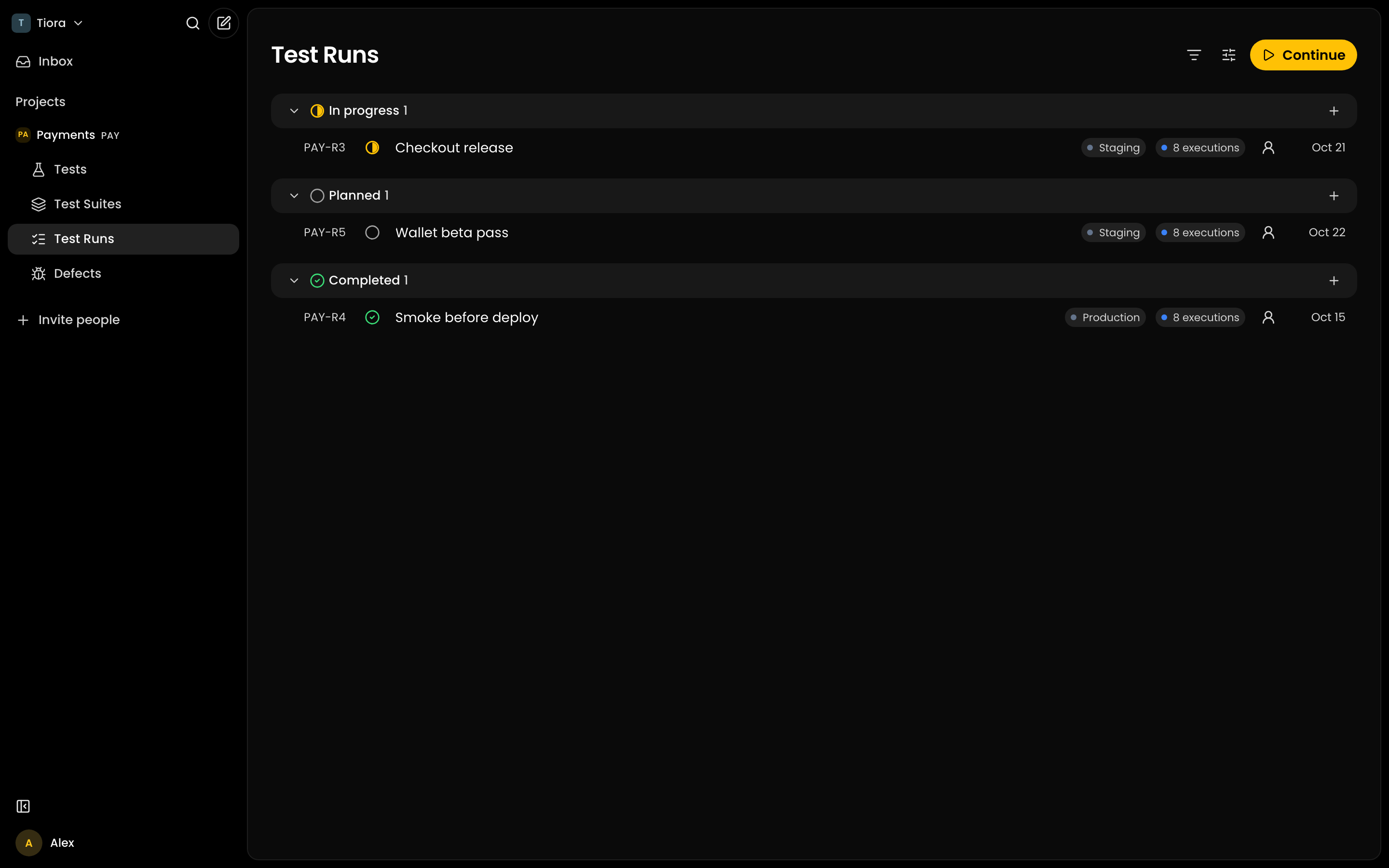
An agent can open a prepared run, claim each execution, perform checks with its own browser or other tools and record the outcome. Follow progress and inspect the result history in Tiora.
- 03
Have agents file defects with evidence
Agents can file defects from failed executions with evidence and links to the test and run. Review and update defect records in Tiora, then retest after the fix.
Release status
Review agent-created QA work in Tiora
Inspect generated cases, run progress, execution status, owners and linked defects in one workspace. Your team can manage the QA record while agents work through MCP or the API.
Review agent-created tests, executions and defects in one place.
Failed test
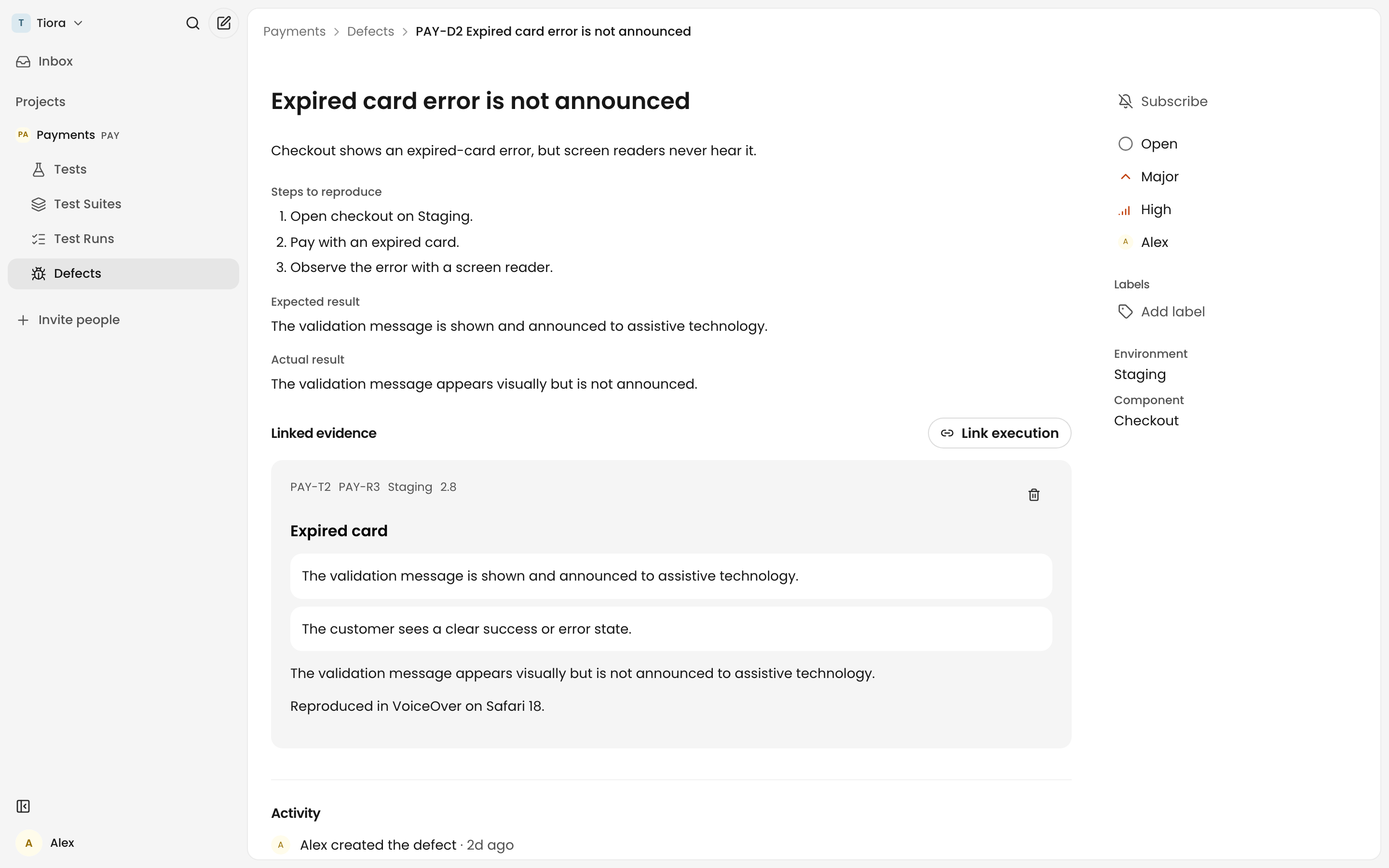
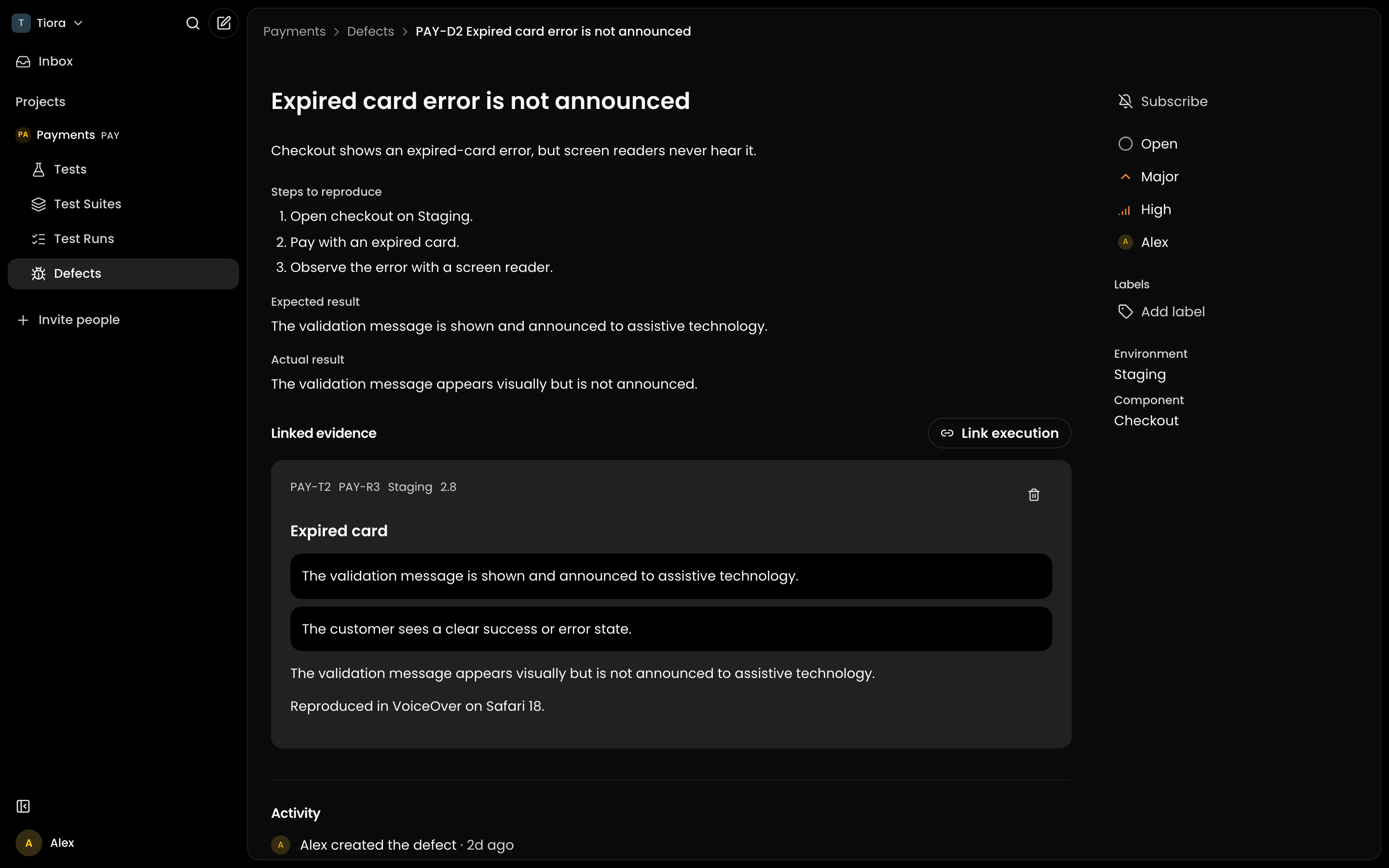
Give every defect the context to get fixed
Agents can file defects with the test, execution result and evidence already linked. Review the handoff in Tiora, then keep the fix and retest connected to the original result.
Retest fixes and keep the original execution result visible.
Can I still run tests manually?
Yes. Run checks yourself, then record outcomes in Tiora. The agent-led workflow is the main path: connected agents create cases, use their own browser or other tools to run checks, then record outcomes and file defects over MCP or the API. Tiora stores and presents the QA record. It does not host browsers or test runners.
What can AI agents do in Tiora?
Connect Claude, Cursor, ChatGPT, Muse, Grok or another agent over MCP or the API. Agents can create and edit test cases, open prepared runs, claim executions, run checks with their own tools, record outcomes and file defects. Use Tiora to review and manage those records, invite teammates, export CSV and handle billing.
Can I bring my existing tests?
Yes. Use Tiora to import tests from CSV, map the columns and preview the result. You can also export tests, defects and run results as CSV from the app.
Can QA and developers share a test run?
Yes. Invite teammates and manage workspace access in Tiora. People and connected agents can work from the same QA records, with ownership and progress visible to the team.
Does Tiora support Czech?
Yes. The interface is available in English and Czech, including tests, runs and defects. Switch to the language you work in.
Let agents lead QA. Keep your team in control.
Connect an agent to create tests, run checks with its own tools and record outcomes and defects. Review and manage that work, invite teammates, export CSV and handle billing in Tiora.
Start testing